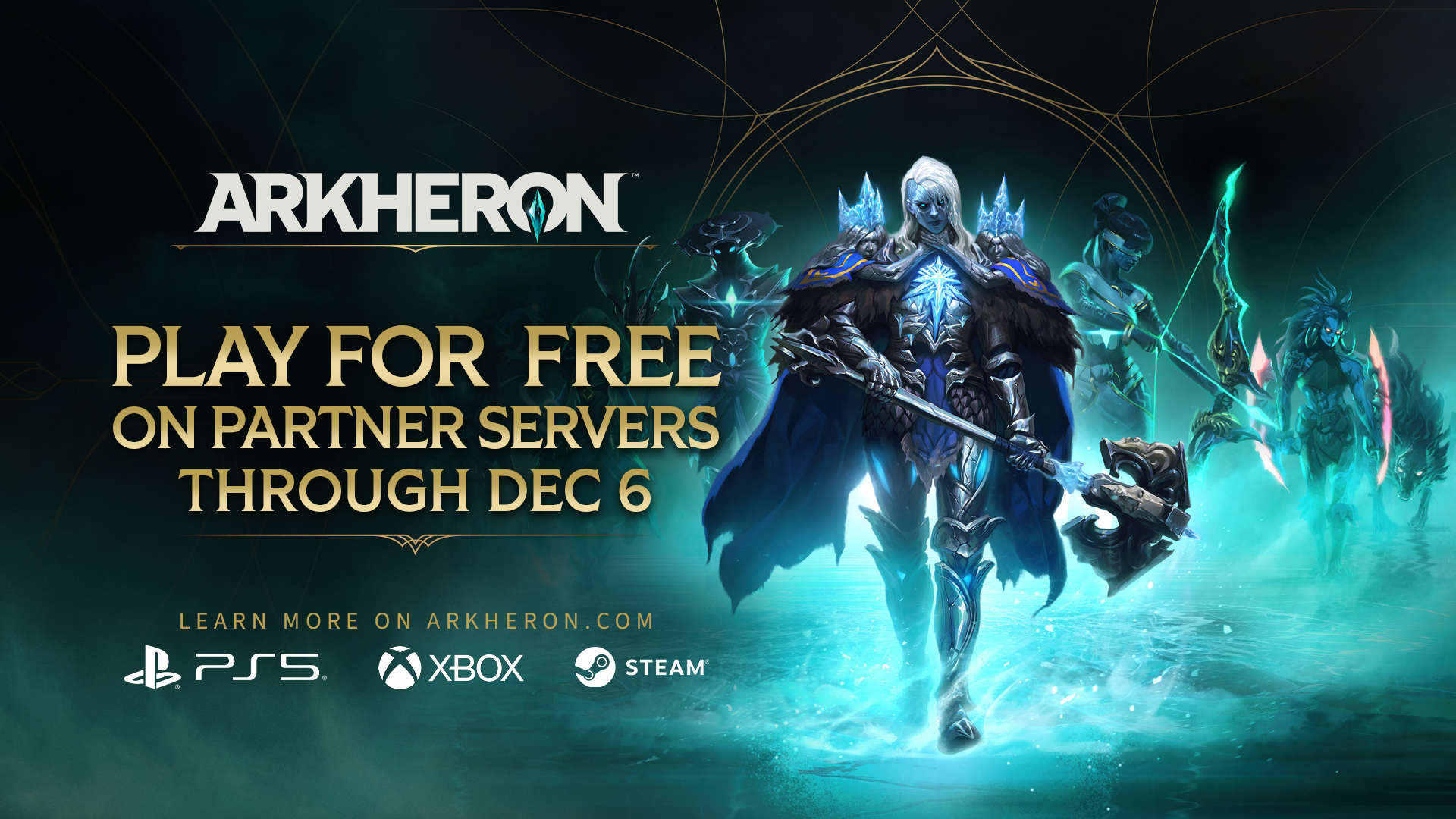
Join an Arkheron Partner Server. Play Free Through December 6.
Nov 18, 2026When Arkheron launches, we want your Discord communities to come with you. We’re making it easier to find each other and party up in-game, and working with Partner Servers to give you and your friends more communities to join.
You probably already know which Discord you’d open first. Maybe it’s a small server with longtime friends who come with you to every new game. Maybe it’s your college gaming club, where you sneak in a few matches between cramming sessions for finals. Or a women’s gaming community where saying “hello” in voice chat doesn’t derail the entire lobby. Maybe you belong to all three, and which one you open depends on who you feel like playing with that night.
We believe everyone who enjoys Arkheron deserves to play with people they feel comfortable with, in a community where they belong. Players have already built those communities on Discord, with their own expectations for how they play together and treat each other. Here’s what we’re doing to make it easier to bring those communities into Arkheron and find more people you’ll enjoy playing with:
Bring your Discord communities into the game. Connect your Discord account to find open parties in servers you already belong to, or make your own party available to other members.
Find a community through our Partner Servers. We’re working with creators and gaming communities ready to welcome Arkheron players from day 1. Bring your friends, meet other players, and choose a community to represent in matches and upcoming server competitions.
Keep playing free after Opening Weekend. Members of participating Partner Servers can play free November 30 - December 6, without needing someone who owns Arkheron in their party.
Connect your Discord communities to Arkheron
Connect your Discord account to Arkheron and add the servers you want to play with. From there, you can:
Open your party to your community. Let other members of a connected server know you’re looking for teammates so they can join you.
Find an open party. See which parties have room for you in the social panel. An indicator on the main screen lets you know when someone in your communities has a party open to join.
You can add multiple servers, so you can find teammates in whichever community you feel like playing with that night. These features work on Steam, PlayStation 5, and XBOX Series X|S, with crossplay so you can team up across platforms.
Playing on Steam? You can get a party together from Discord, too. With Discord activity sharing enabled, friends can see what you’re playing and join your party or custom lobby from your profile. You can also post a game invite in a Discord channel, so people can join while you’re all hanging out and chatting. If their game isn’t running, accepting the invite launches Arkheron and brings them into your party.
Introducing Partner Servers
We’re excited to introduce our Arkheron Partner Server program. We’re working with creators and gaming communities who are getting ready to welcome new players at Early Access launch, giving you and your friends more people to play with and learn from as you get into the game.
If you’ve ever gotten really into a game, you probably know the Discord where the patch notes are already being dissected before you’ve finished reading them. There are reaction videos, arguments about the nerfs, and confident predictions about the new meta from people who haven’t played a single match yet. A few channels over, someone’s rounding up players for customs, while others are hanging out after a stream and deciding whether to try the game themselves.
Our partners will include communities built around creators, college clubs, and other gaming groups. You might already follow a creator but have never played with anyone from their Discord. Or you and your friends might find a group that shares your sense of humor and enthusiasm for the game. You can jump in for a few matches, find people to practice with, or become one of the regulars helping new players find their footing.
Rep your server
There’s something satisfying about seeing your community’s tag next to your name. Your teammates know who you’re with. So does the team you just beat. And when you run into other members, you’ve already got something in common, even if you haven’t played together yet.
Partner Servers let you bring that identity into Arkheron. Choose a server to represent, or “rep,” and its tag appears alongside your name in matches. When you need teammates, matchmaking will try to pair you with players of similar skill repping the same server.
We’re also planning competitions between Partner Servers, because a community full of competitive players is probably going to want to prove something. Your college club has a rival it wants to beat. Your favorite streamer thinks their community has the better players. You’ll have a chance to compete alongside other members for bragging rights and in-game cosmetic rewards. Something to show off after everyone’s done arguing about the results. We’ll share more about the competitions soon.
Partner Server Free Play Week: November 30 - December 6
Opening Weekend is free for everyone from November 27–29. Afterward, members of participating Partner Servers can keep playing Arkheron for free through December 6.
To join in:
Download the free Friend Pass Edition.
Join a participating Partner Server on Discord.
Connect your Discord account to Arkheron.
During Free Play Week, you can play Ascension, Spires, and Custom Games without needing someone who owns Arkheron in your party. Queue on your own or team up with other players. You don’t need to rep the server to qualify.
Bring your friends along, too. You can join a community together, learn from the people already playing, and get a few more teammates into your rotation.
After December 6, regular Friend Pass access resumes. You can keep playing the Tutorial and Training modes on your own, and party up with someone who owns Arkheron to play Spires, Ascension and Custom Games.
We’ll share the participating Partner Servers before launch, along with a step-by-step guide to joining a server and connecting it to Arkheron.